Thing Types
Thing Types are types of Thing entities. E.g. Asset, Product, Person, etc.
Thing Types Overview
The Thing Types overview page shows all the existing Thing Types:
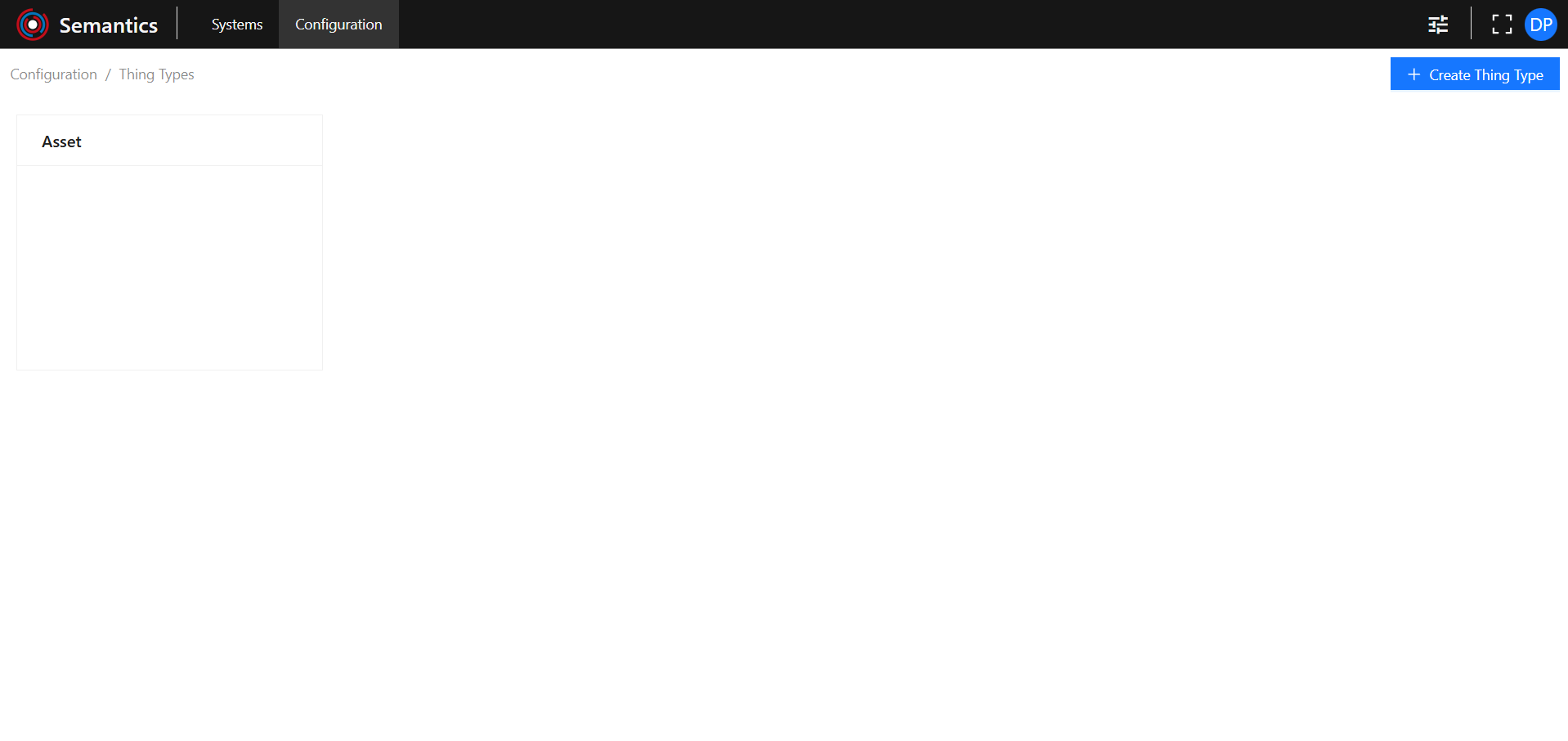
Create new Thing Type
Click on the Create Thing Type button to open the new Thing Type creation page:

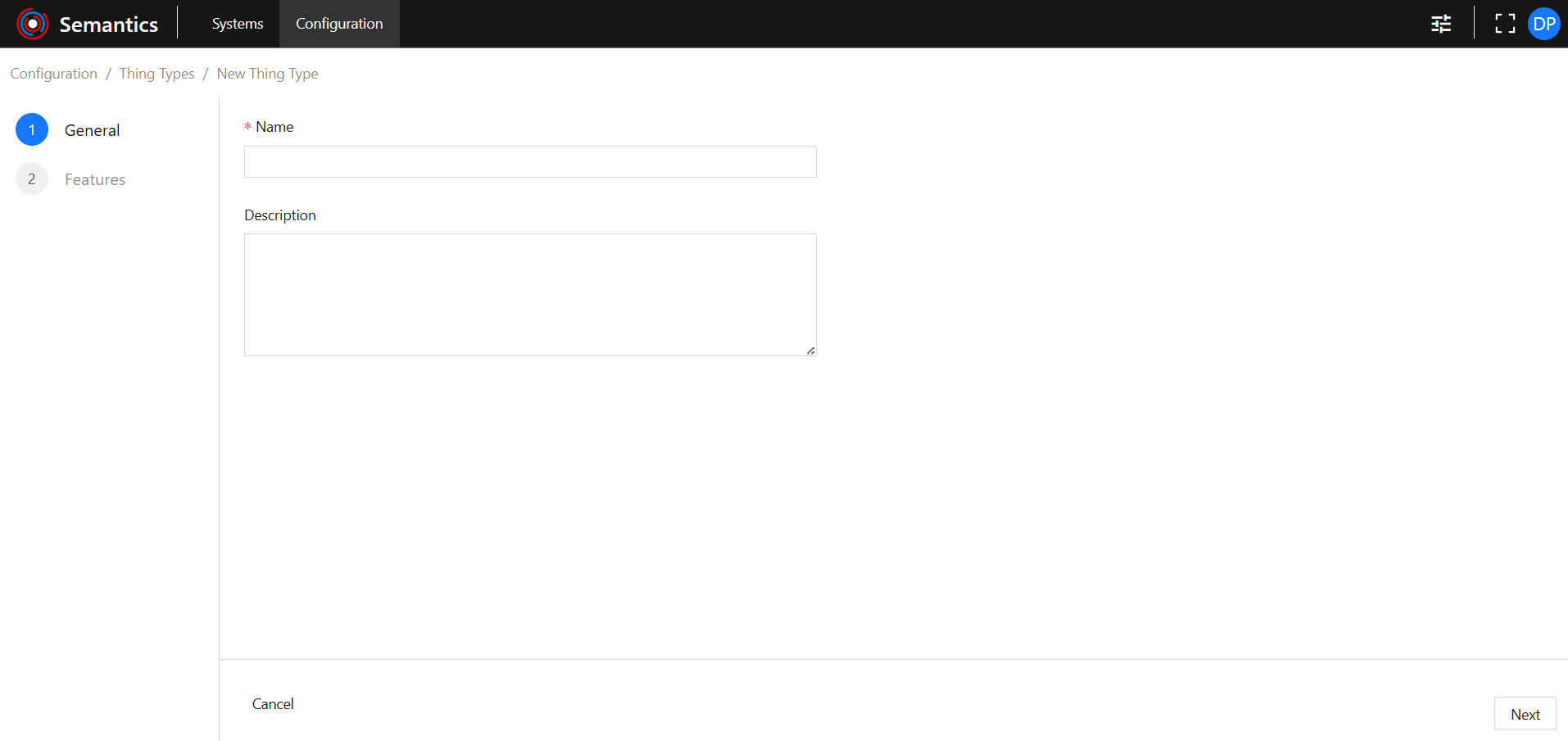
General
Provide:
- Name: is required and must be unique.
- Description.
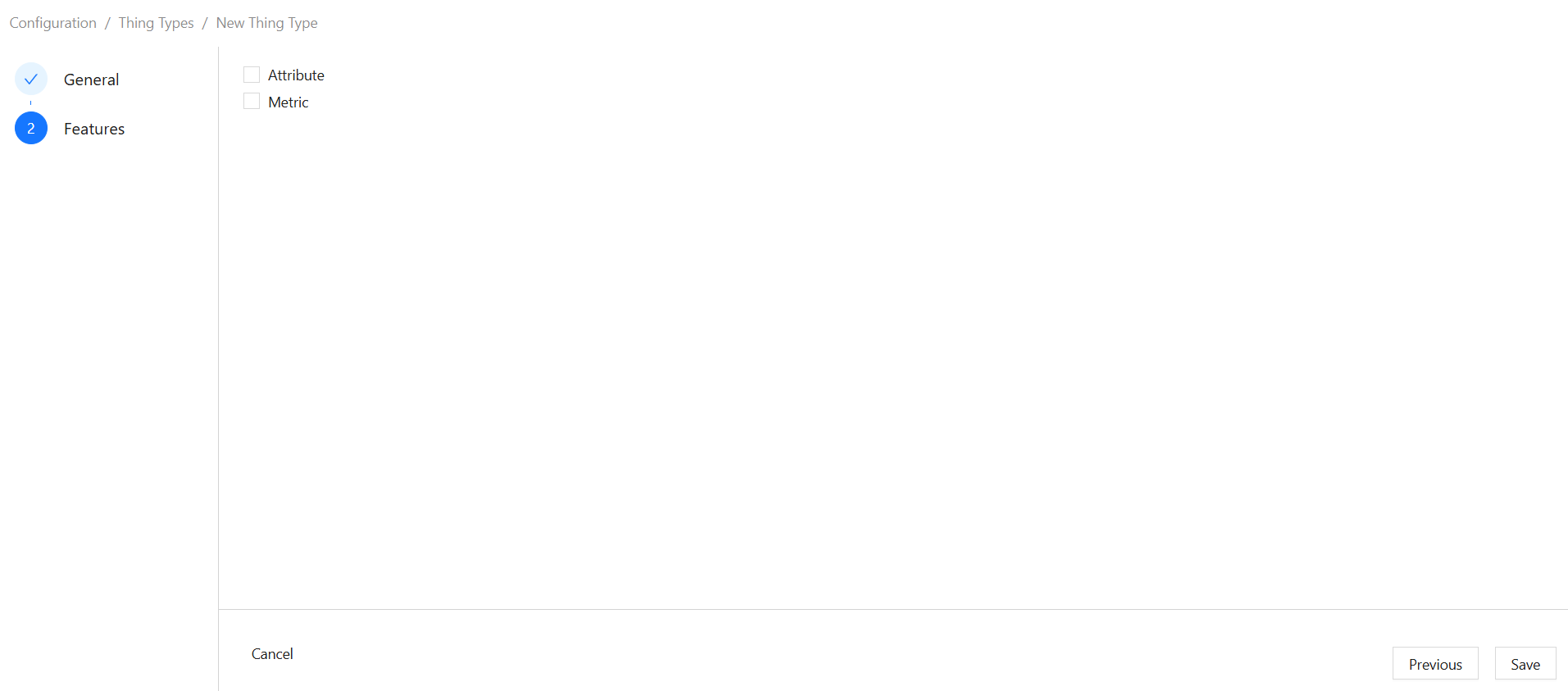
Features
Select which Features should be allowed for this Thing Type. This determines which Features are allowed for Things based on this Thing Type. Multiple Features can be allowed for a Thing Type. A Thing Type can also exist without any Features being allowed.
Note that available Features are pre-configured and cannot be changed by the User.
Navigation
Navigate through creation steps using the Previous and Next buttons.
Use the Save button to save changes and close the creation page.
Use the Cancel button to discard changes and close the creation page.


View Existing Thing Type
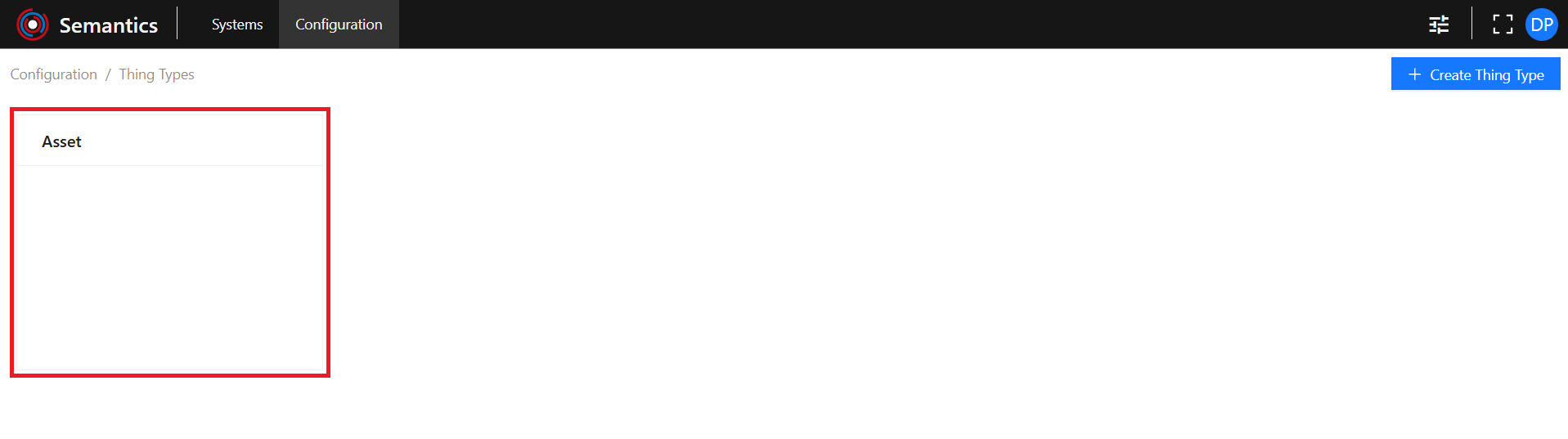
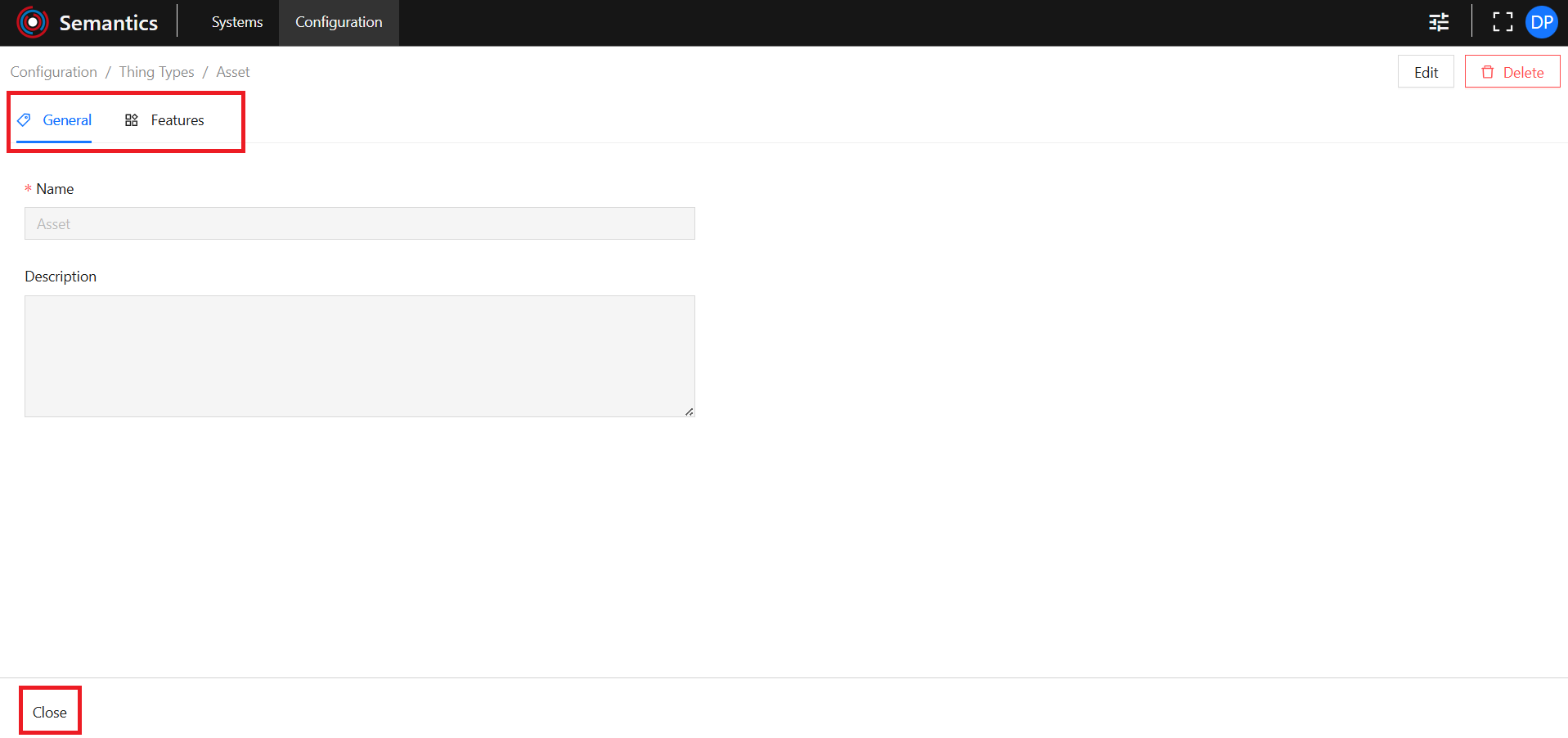
To view the existing Thing Type click on the desired Thing Type card:
Use the Tab Menu to switch between different metadata categories.
Use the Close button to close the specific Thing Type page.
Edit Existing Thing Type
Use the Edit button to open the Thing Type edition page:

It has the same functionalities as the Create Thing Type page.
Delete Existing Thing Type
Use the Delete button to open the delete modal:

Type in the name of the Thing Type to be deleted in the input field and click the Delete button.
Use the Cancel button to abort deletion and close the delete modal.
